

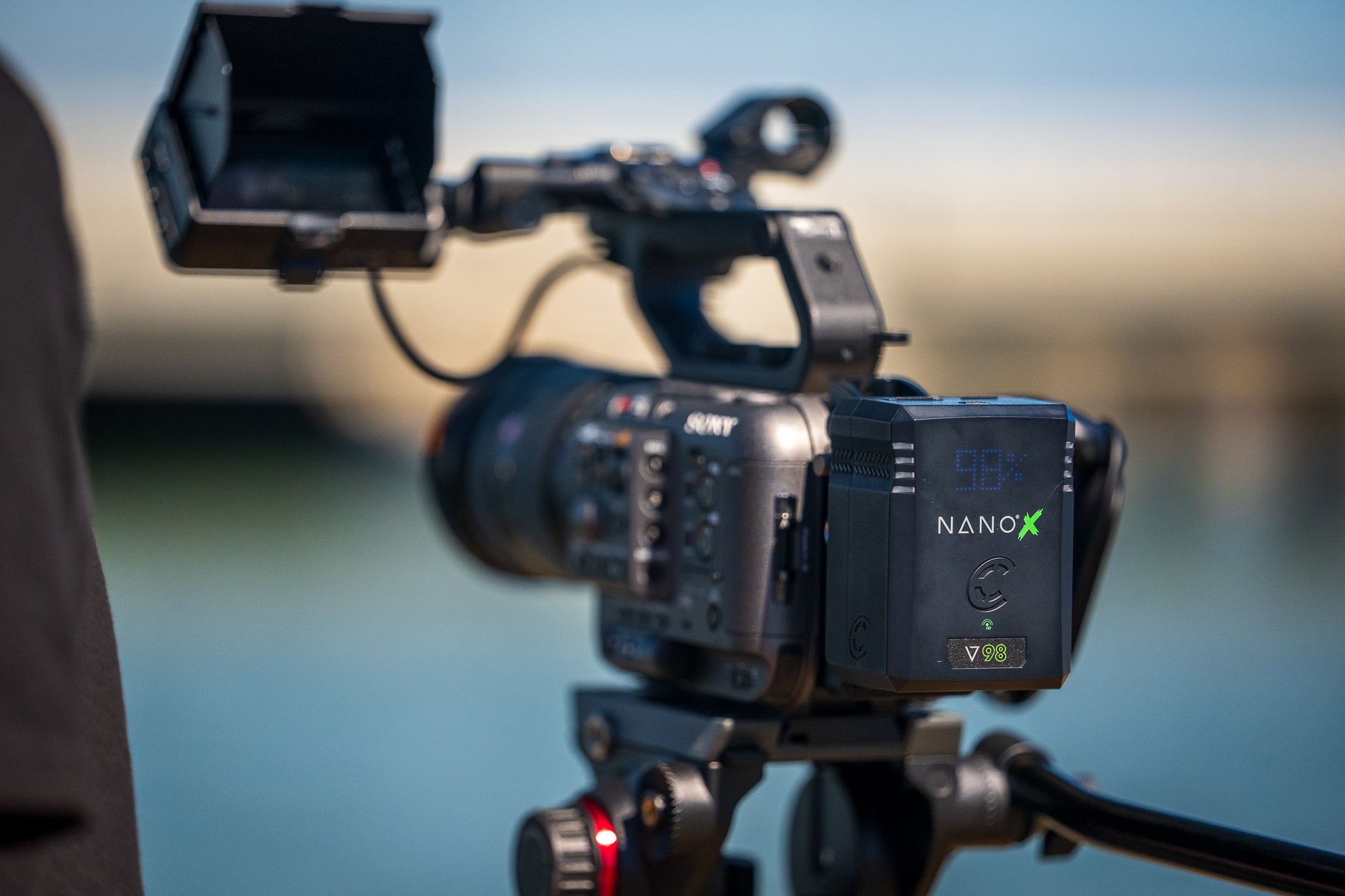
98Wh V-Mount Battery Runtime Explained
Trying to shoot without a solid V-mount battery? That’s a gamble. You could run out of power mid-shot, becoming the cause of delays, reshoots, or even lost footage. That’s why a 98Wh V-mount battery is a favorite among filmmakers. It’s compact and easy to carry, but still packs enough juice to keep your camera, lights, and gear running for hours. Knowing how to get the most out of it means you can spend less time hunting for a charger and more time capturing great footage.

What Does 98Wh Actually Mean?
If you’re wondering about that “98Wh” on your battery, it’s actually pretty simple. That number just tells you how much energy the battery can hold. The bigger the number, the longer it can keep your gear running. To figure out how long it’ll last, you can divide the battery’s watt-hours by the total wattage of everything you’ve got hooked up. (Runtime (hours) = Battery Wh ÷ Total Device Wattage). Here’s an example:
● Camera: 25W
● Monitor: 10W
● Wireless system: 5W
● Total = 40W
98Wh ÷ 40W ≈ 2.45 hours
The more gear you hook up, the faster that runtime drops. That’s why it helps to know exactly what your setup is drawing, so you can plan ahead and avoid any mid-shoot inconveniences.

Tips to Maximize V-Mount Battery Runtime
You might think a fully charged 98Wh v-mount will power your rig all day, but every accessory and setting can chip away at runtime. A few simple tweaks can help you squeeze extra hours out of your battery (without swapping gear or doing anything complicated).
● Turn off accessories you’re not using – even small things like idle monitors, lights, or
mics draw power, so shutting them down when you don’t need them can give your
battery a nice boost.
● Lower your monitor brightness – dimming your display can go a long way toward
stretching your runtime.
● Pick energy-efficient gear when you can – some cameras, monitors, and wireless
systems sip power more efficiently, which adds up over a long day on set. Pairing a v-
mount battery with a Sony FX3 is a popular setup among filmmakers for just that reason.
● Always carry a backup battery – it’s the simplest insurance policy against running dry
mid-shot.
Making just a few of these tweaks can add 30–60 extra minutes of runtime, and can be the difference between wrapping smoothly or scrambling for a recharge in the middle of a scene.

Does Battery Self-Discharge Matter?
Batteries naturally lose a little charge over time, even when you’re not using them. That’s called self-discharge. It sounds scarier than it is (lithium-ion V-mounts lose juice pretty slowly) so it’s usually not a huge deal. But still, a few simple habits can keep your batteries performing at their best:
● Don’t store batteries fully depleted – letting them sit completely empty can shorten
their lifespan.
● Top them off before shoots – even if they’re not dead, a quick charge makes sure
they’re ready when you need them.
● Keep them cool and dry – heat and humidity speed up self-discharge, so stash them
out of direct sun and away from damp spots.
Follow these easy tips and your batteries will always be ready to roll, no surprises mid-shoot.
How Often Should I Fully Charge and Discharge My V-Mount Battery?
Even the best batteries can use a little tune-up now and then. About once every 1–3 months, let your v-mount battery run all the way down, then charge it back up to 100%.
Doing this keeps your runtime readings accurate (especially on smart batteries with displays or RFID) and helps prevent those “why did my battery die?” type of moment.
Just think of it like giving your battery a quick tune-up. A little maintenance now keeps it running smoothly when you need it most.

Maximizing Runtime with Core’s Nano X SWX V-Mount Batteries
A 98Wh V-mount battery might not look like much, but it can really make life on set easier.
Knowing what that number actually means, how your gear uses power, and following a few simple best practices can keep your shoots running smoothly. Pair that with some regular battery care and smart picks like the Core SWX Nano X Micro 98Wh, and you’ll spend less time stressing about power and more time filming.
Need even more juice? Check out the Nano X Micro 150Wh for longer runtimes when you’re on the move.

Share:
iPhone Filmmaking Guide: Batteries, Runtime & Rig Setup
V-Mount Battery vs USB-C Power: What’s the Best Way to Power Your Camera in 2026?